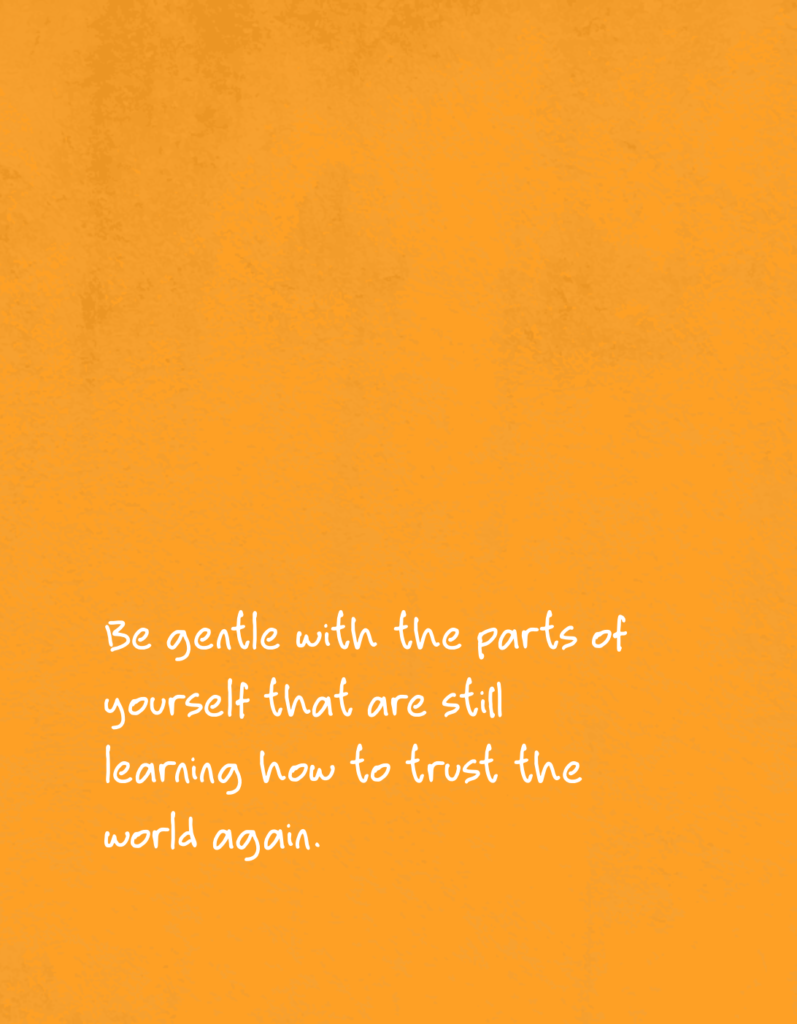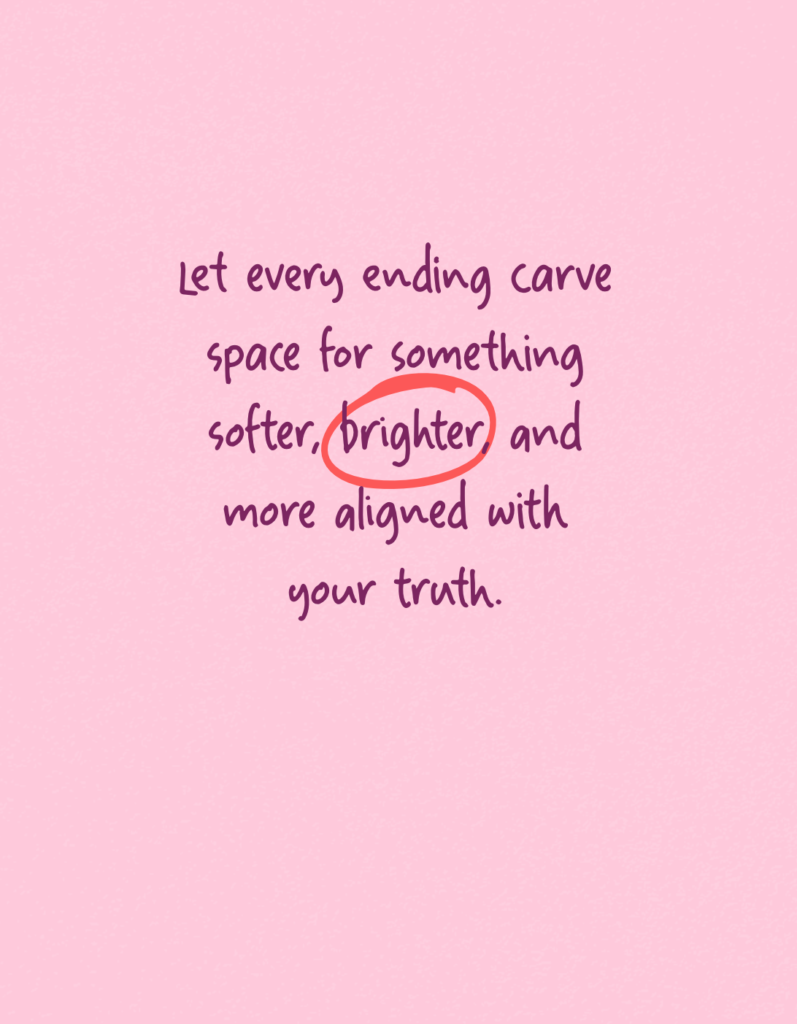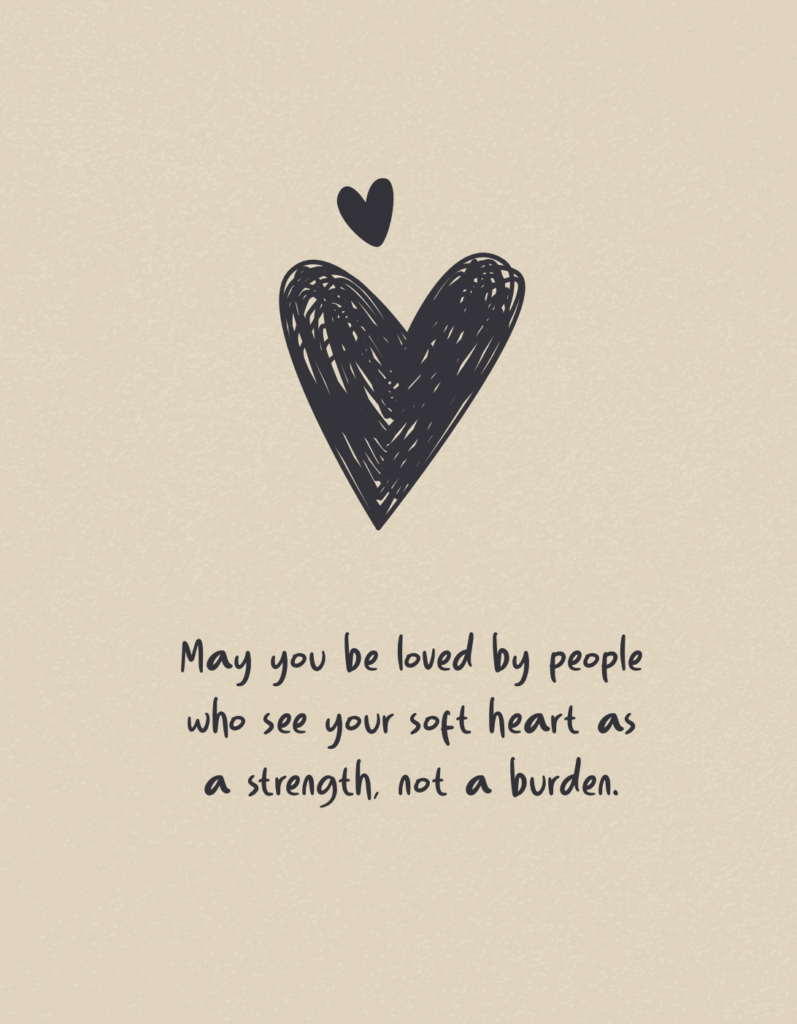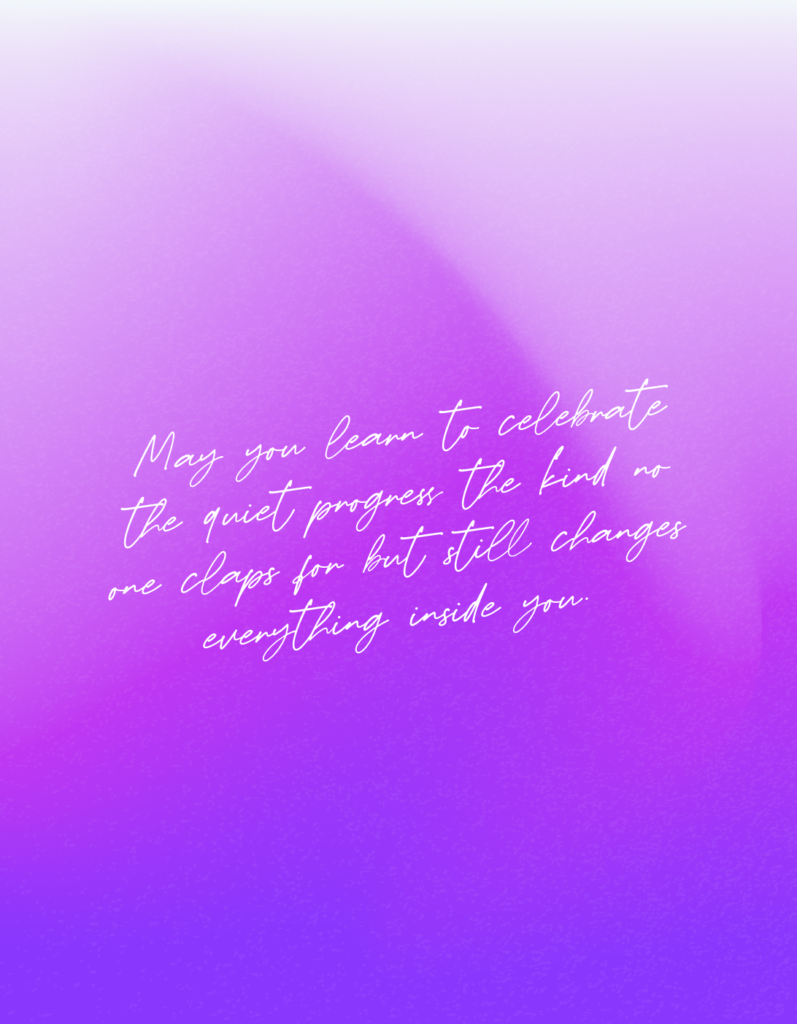
Powerful tools designed to help you create, style, and share stunning quotes effortlessly.
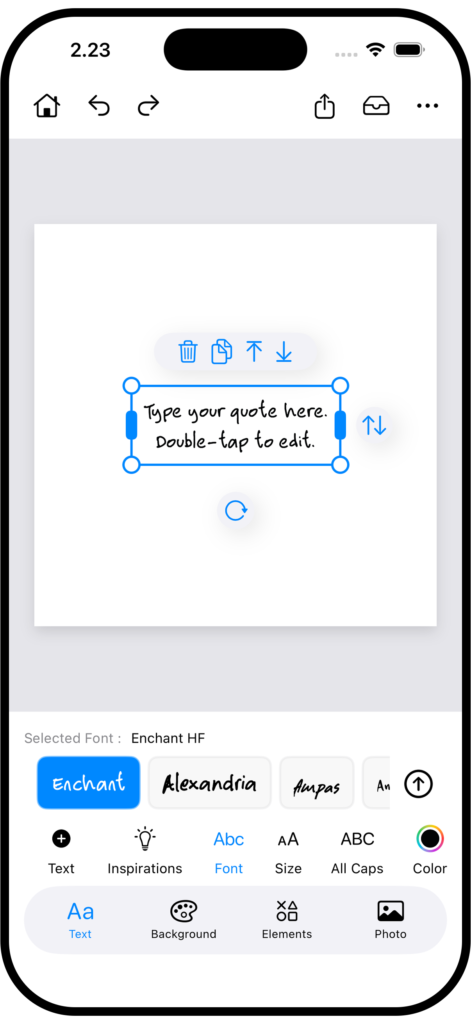
Text tools
- Add text
- Quote inspirations
- Font
- Font size
- All caps
- Color
- Shadow
- Alignment
- Line spacing
- Kerning
- Background
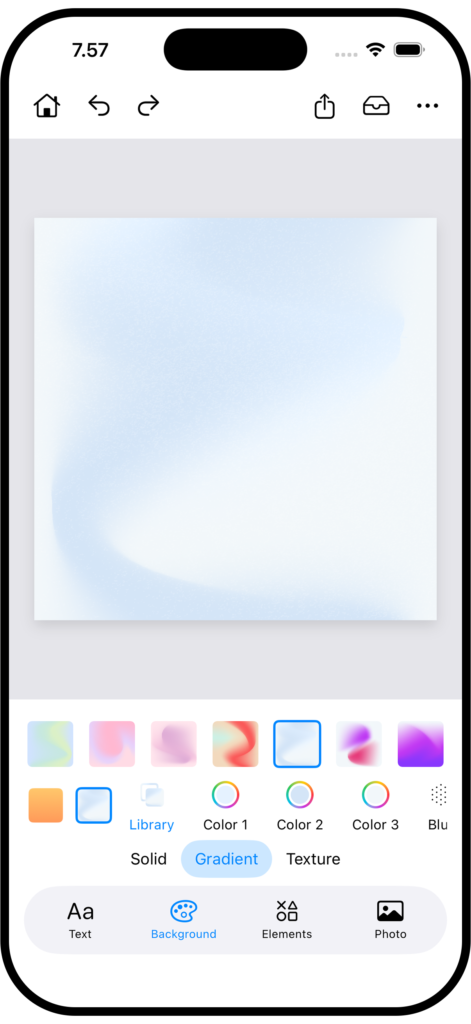
Background
- Solid
- Linear gradient, Mesh gradient
- Texture
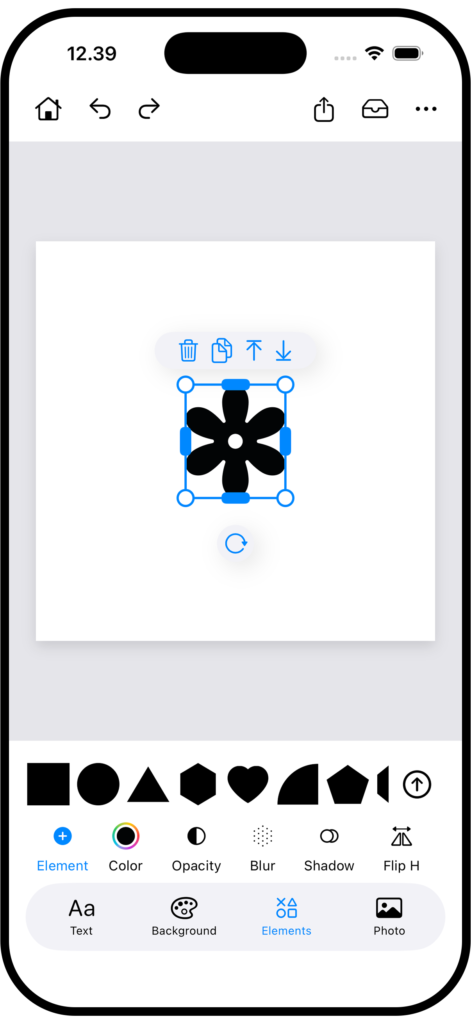
Element
- Add element
- Color
- Opacity
- Blur
- Shadow
- Flip horizontal
- Flip vertical
- Create pattern
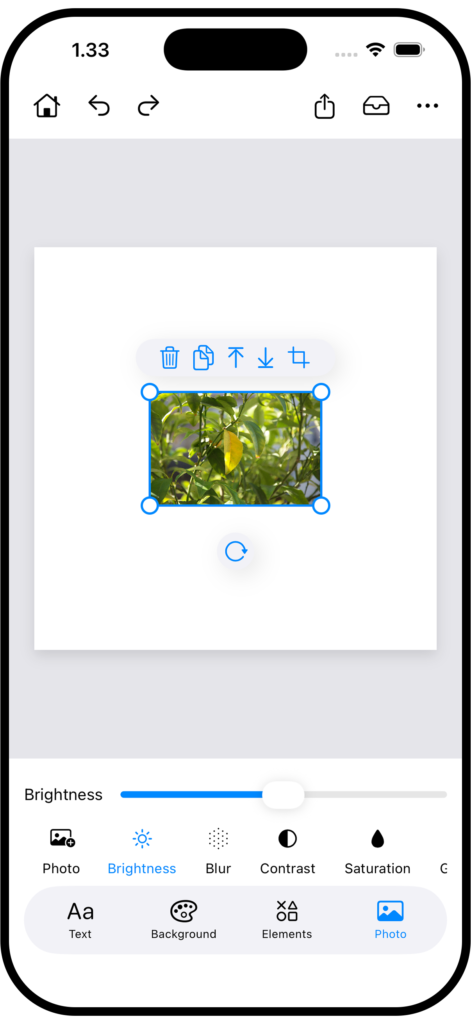
Photo
- Add photo
- Brightness
- Blur
- Contrast
- Saturation
- Grayscale
- Crop
- Flip Horizontal
- Flip Vertical
Other features
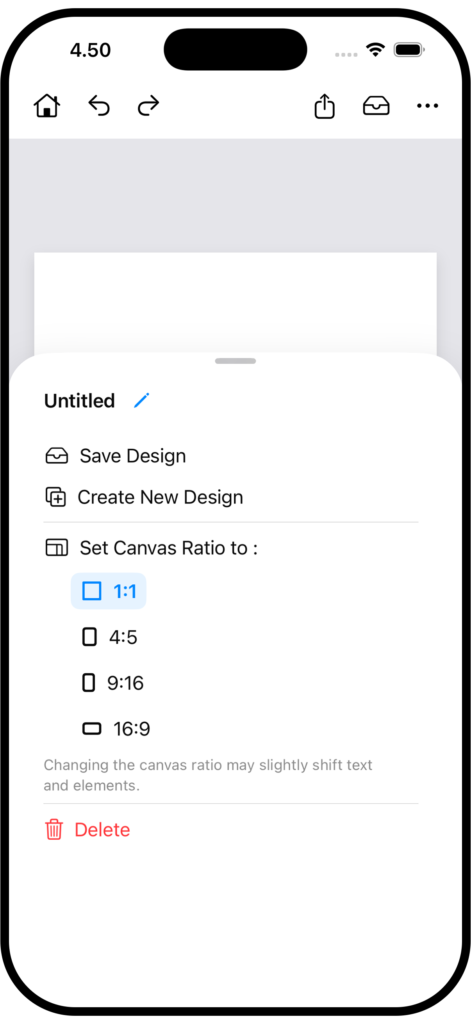
Canvas Ratio
Resize your canvas instantly with flexible ratios for social media, stories, and posts.
From editor area, tap three dots on the top right to show canvas ratio options.
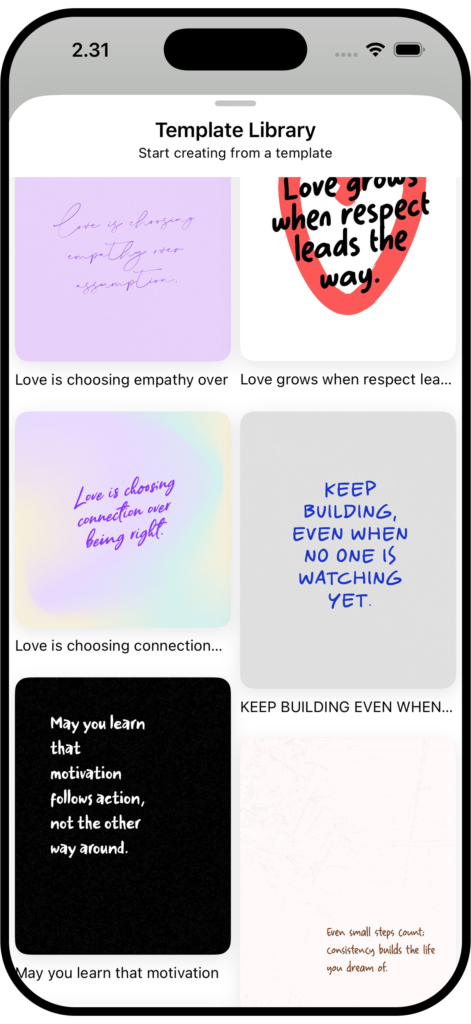
Template
Start designing instantly with ready-to-edit quote templates.
Templates are available directly on the app’s home screen.
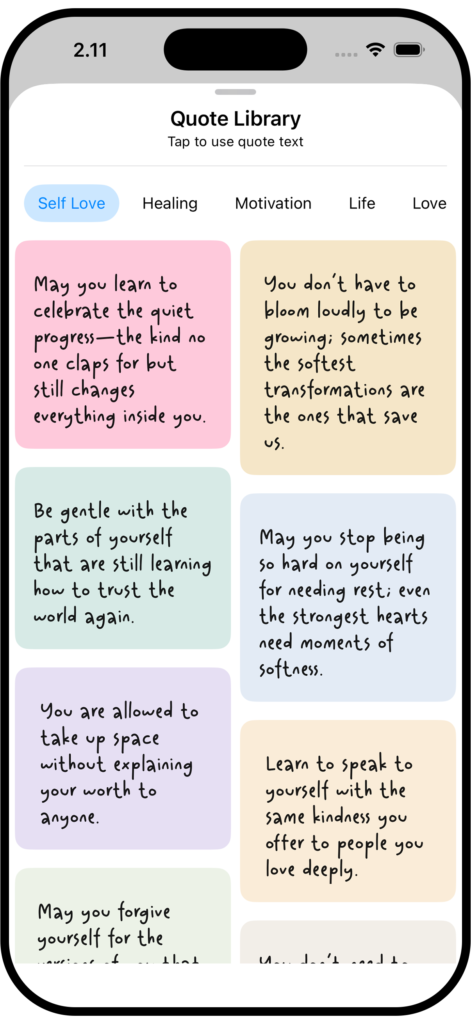
Inspirations
Find inspiration quotes and add them to your canvas instantly, right from the text toolbar.
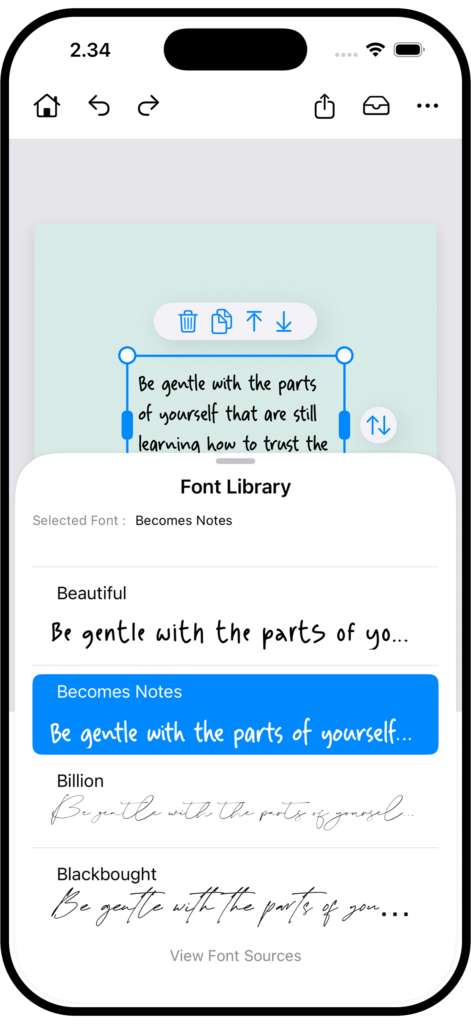
Font Preview
Preview fonts live on your text to find the perfect style faster.
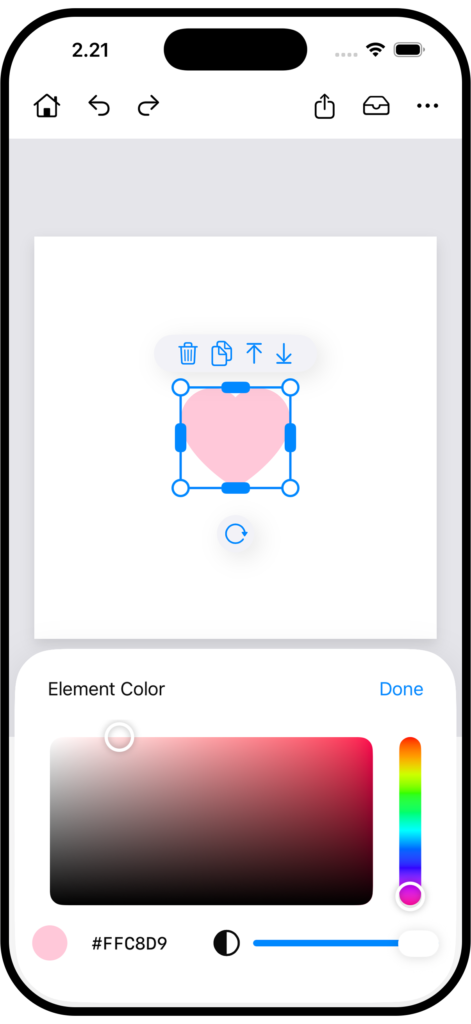
Color Picker
Select colors quickly with an intuitive color picker.
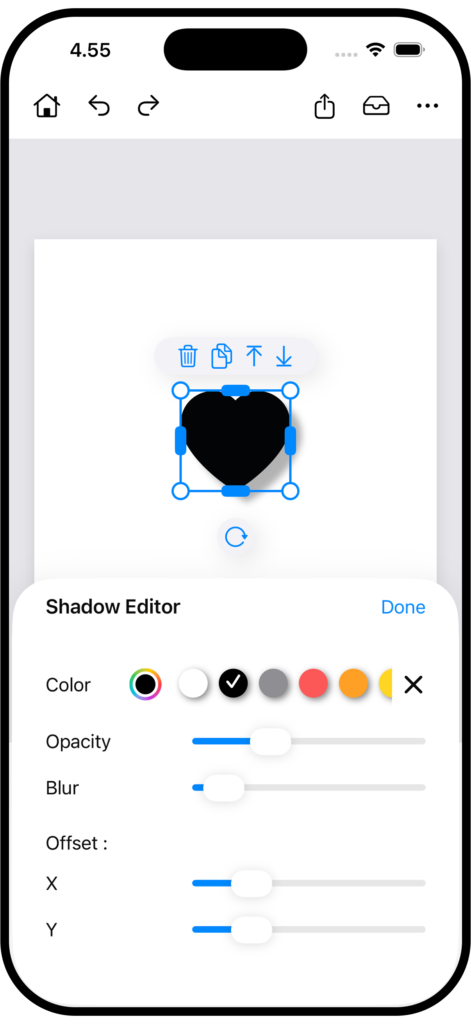
Shadow Editor
Control shadow size, blur, and opacity for a polished look.
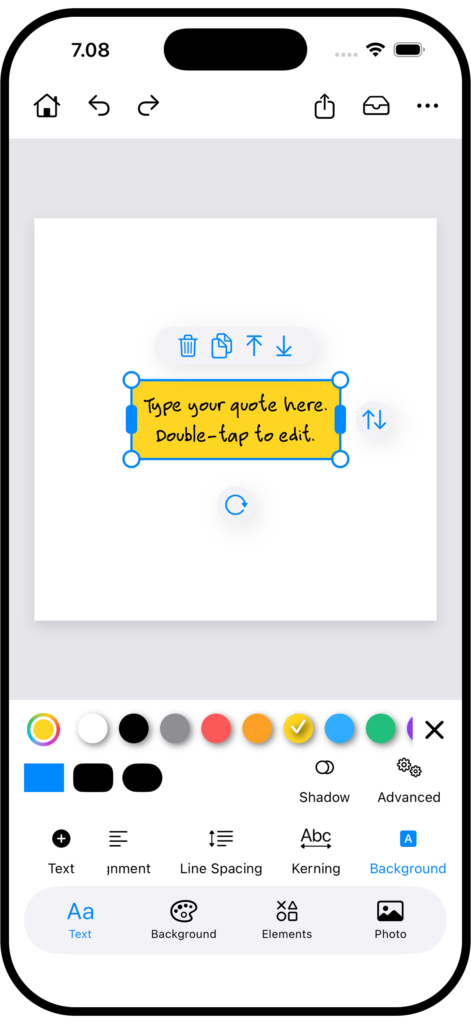
Background Text
Highlight your text with customizable background styles.
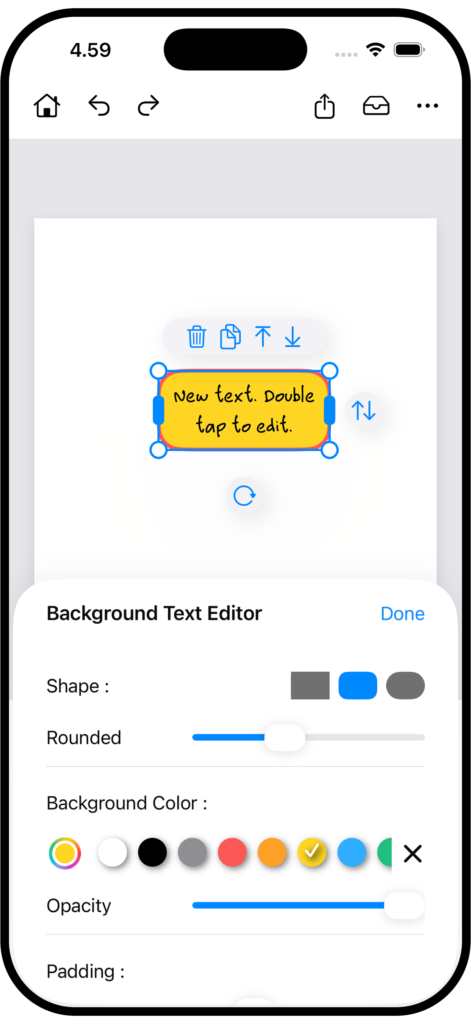
Background Text Editor
Control padding, color, and opacity to highlight your text beautifully.
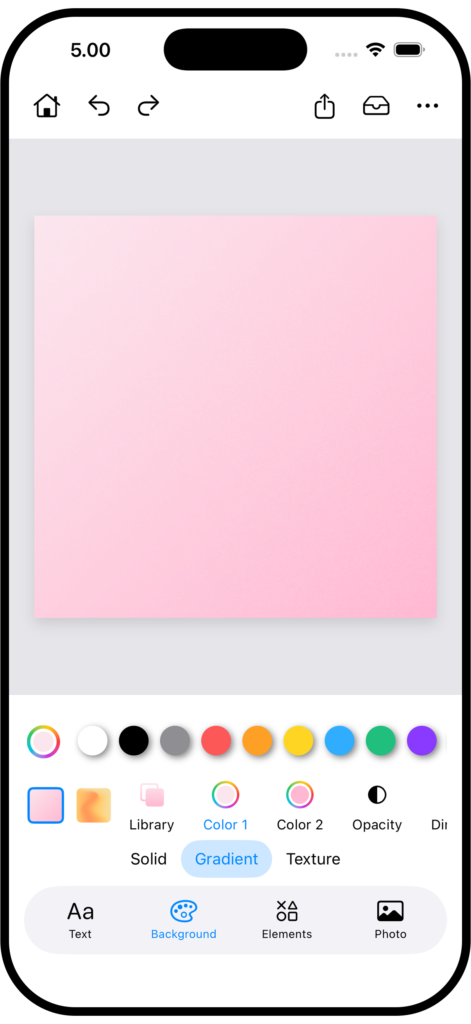
Linear Gradient
Design clean, smooth gradients with adjustable colors and angles.
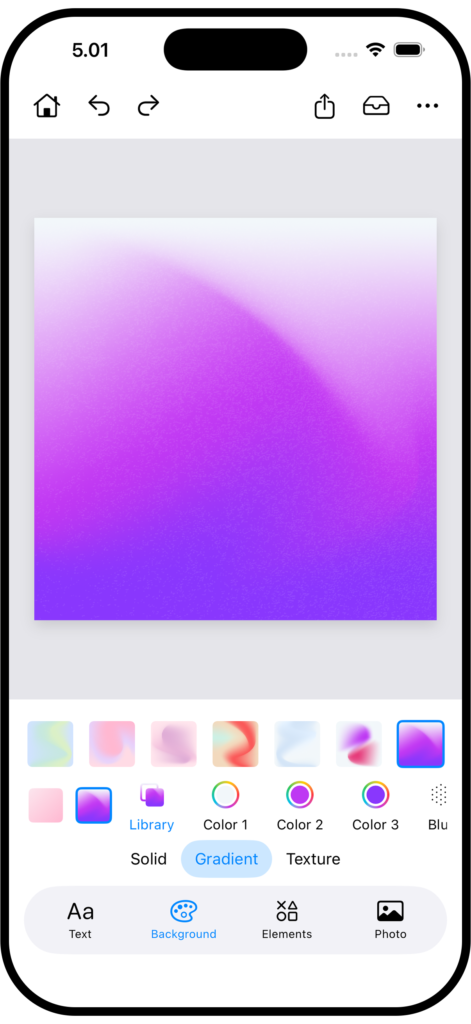
Mesh Gradient
Blend multiple colors seamlessly with flexible mesh gradients.
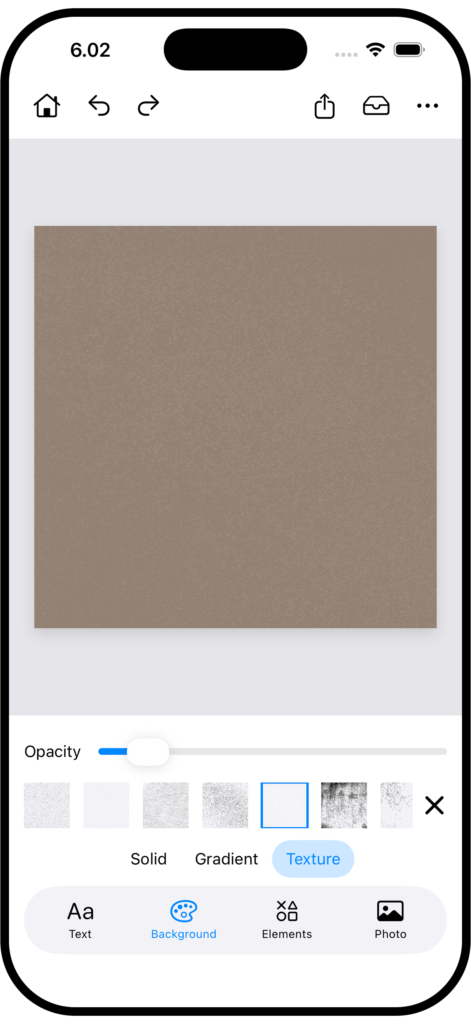
Texture Background
Enhance backgrounds with subtle textures for a refined look.
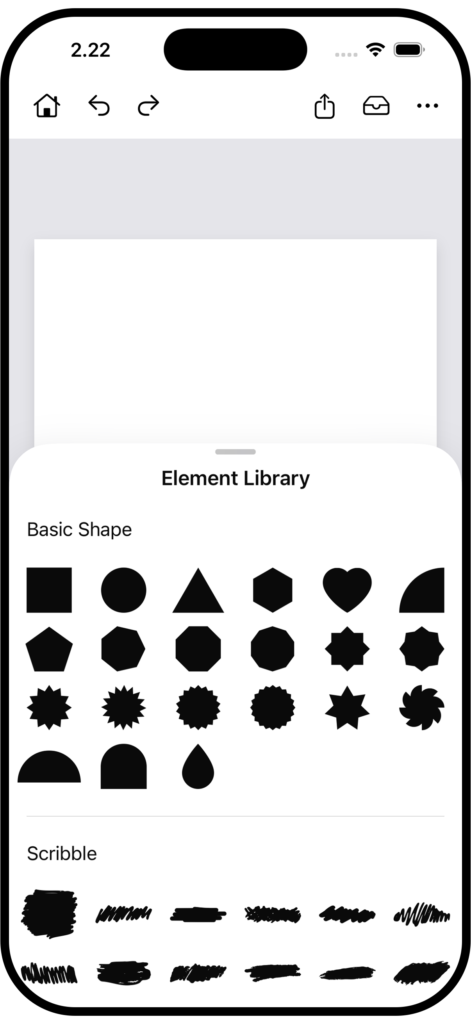
Element Library
Explore a curated library of elements and add them to your canvas with one tap.
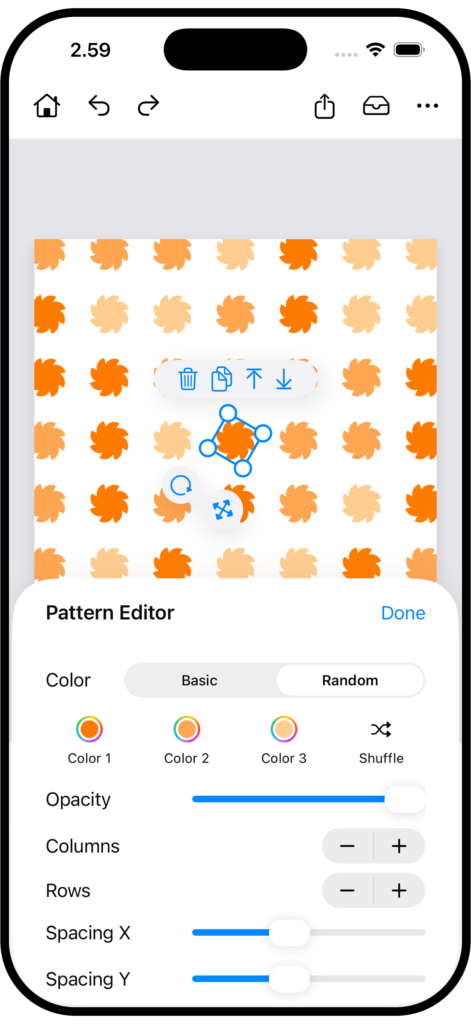
Pattern Editor
Design unique, repeatable patterns with flexible editing controls.
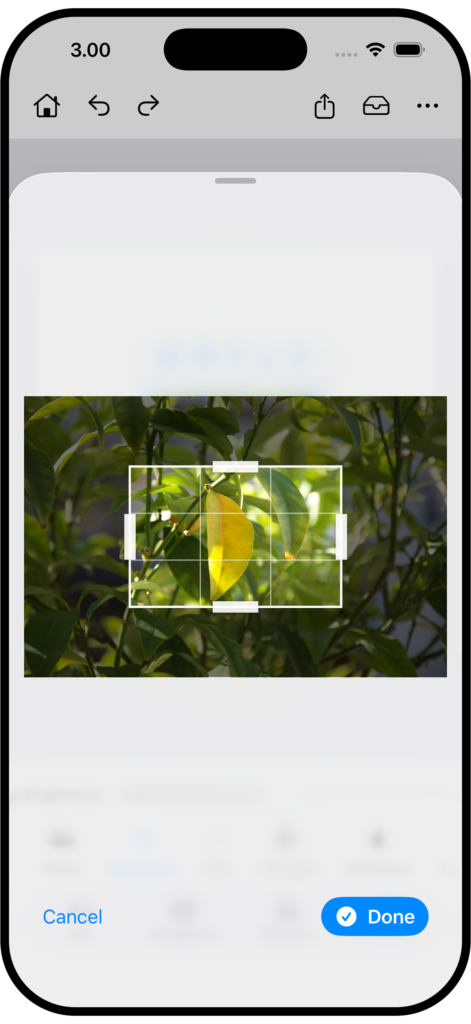
Crop Photo
Adjust photo framing to match your design perfectly.
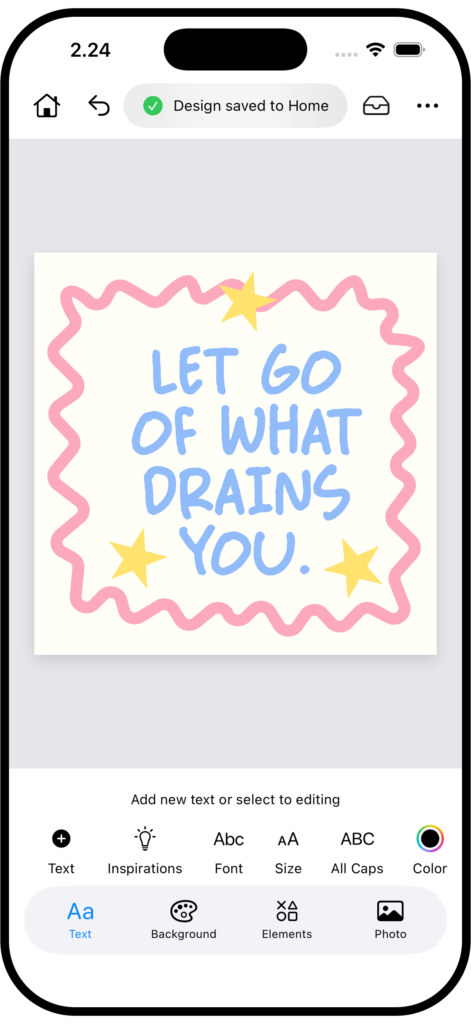
Save Design
Save your design and pick up where you left off.
Saved designs are located on the app’s home screen.
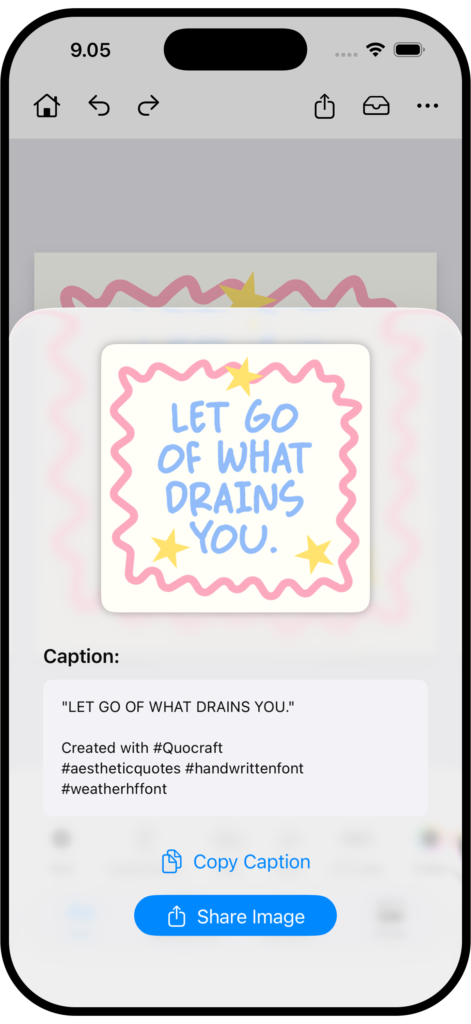
Export Preview
Preview your design, copy captions, and share with confidence.
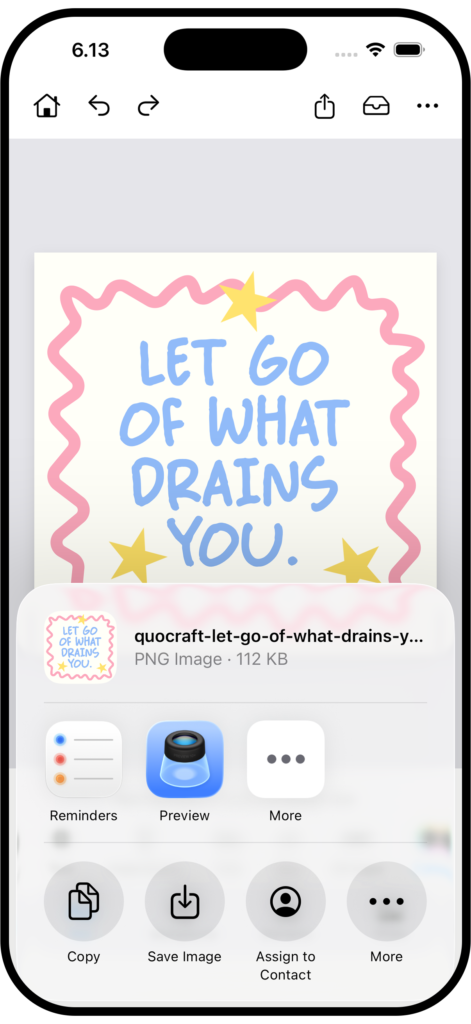
Share
Share your creations seamlessly across platforms.
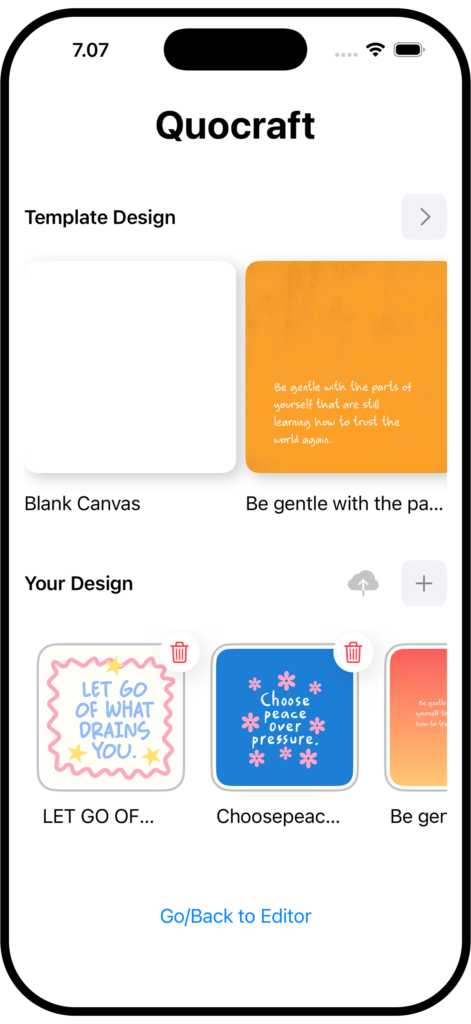
Your Design
All your saved designs, ready to edit and share.
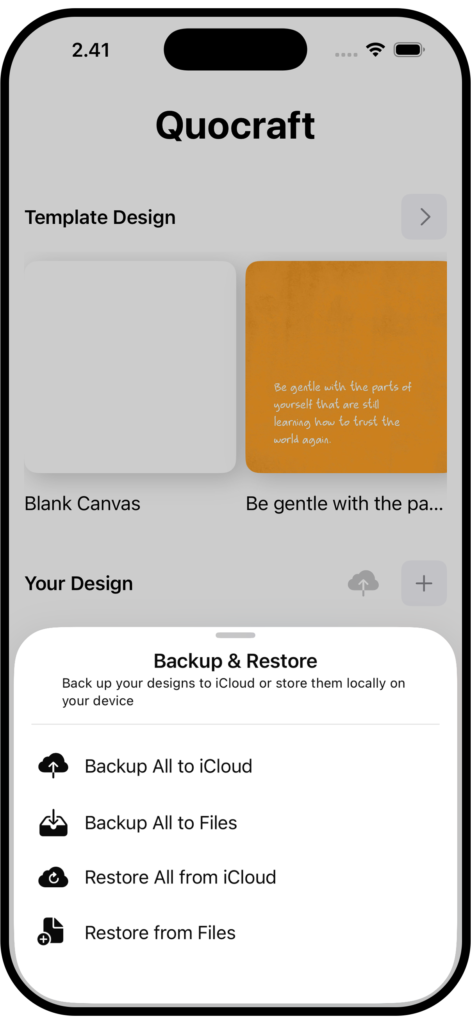
Backup & Restore
Safely back up your designs and restore them when needed.
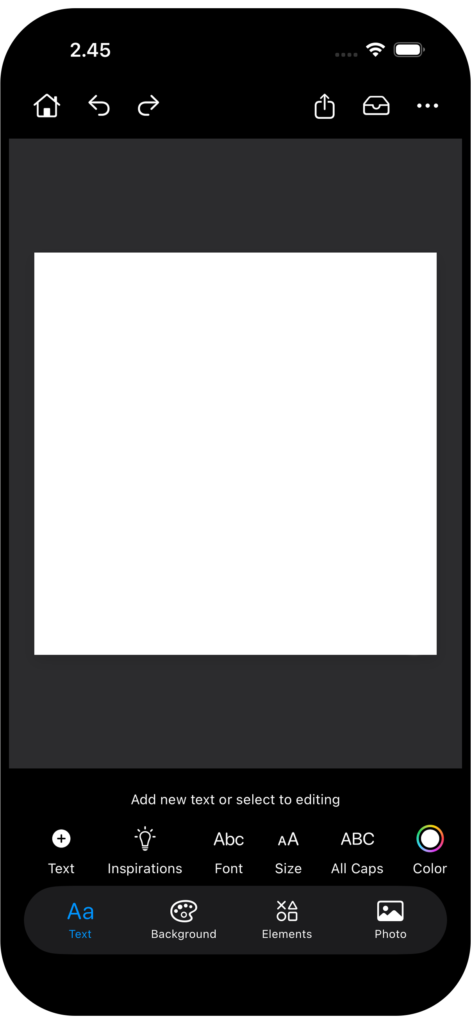
Dark Mode
Switch to dark mode for a comfortable viewing experience.
How It Works
Simple 3 step:
- Write your quote
- Style with backgrounds & fonts
- Add Element or Photos
- Export & share
Gallery